Condition-based maintenance decisions
Dust Collector Filter Maintenance & Troubleshooting
Start with the site baseline and symptom history, then inspect the filter, cleaning system, seals, sensing, collector, and process before choosing corrective action or replacement.
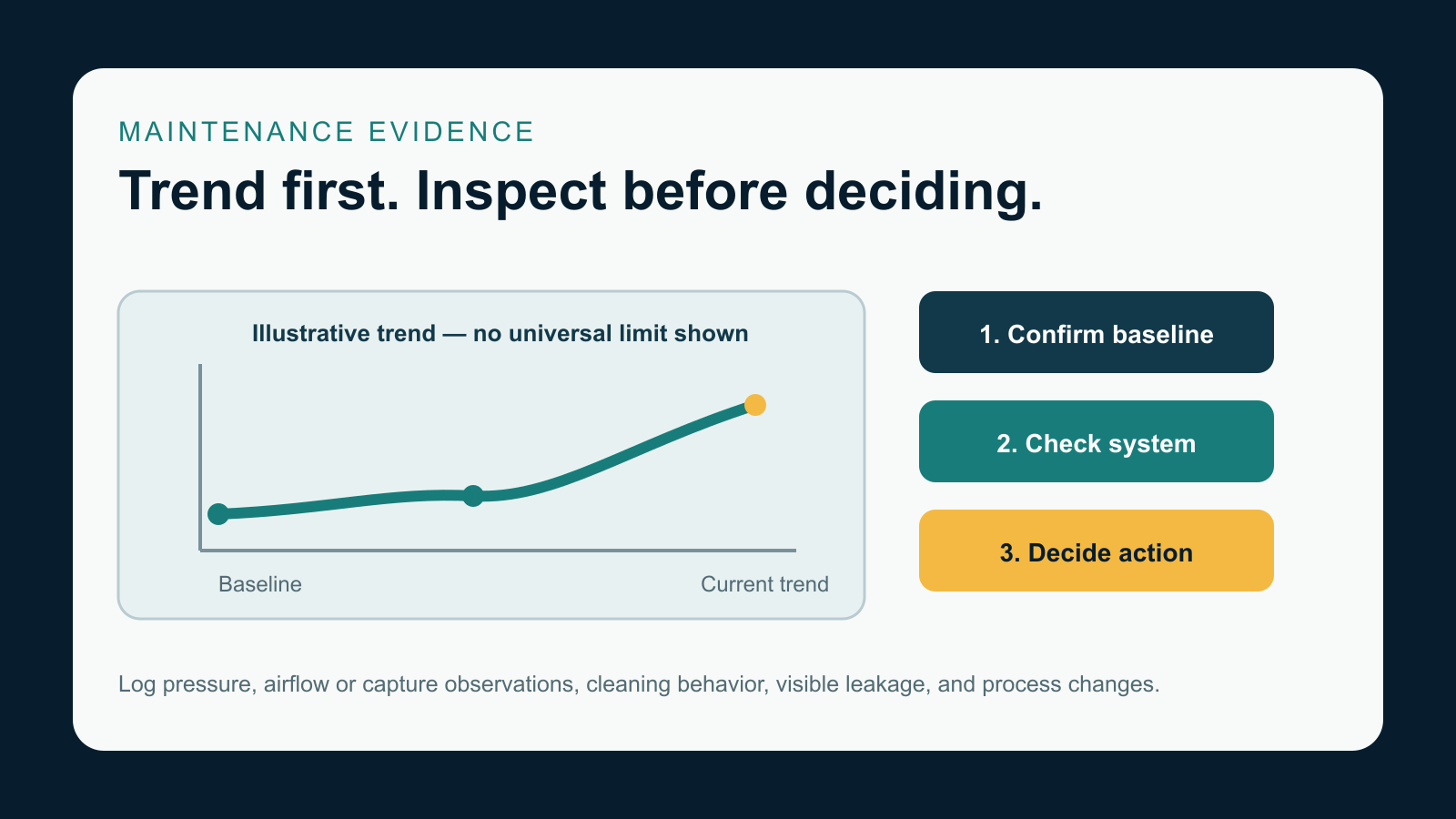
Direct answer
Troubleshoot a dust collector filter problem by comparing current behavior with the collector's established baseline, not a universal limit or calendar. Record the symptom, timing, affected locations, pressure trend, capture or airflow observations, cleaning behavior, visible leakage, filter age, and recent process or maintenance changes. Inspect the complete collection system before assigning the cause to media. Follow the collector manual and site safety procedures for inspection and isolation.
Choose by symptom
- Replacement timing: use condition and trend evidence rather than assuming one service interval suits every collector.
- Cleaning or replacement: identify the media and construction, damage pattern, contamination, and allowable maintenance method before acting.
- Rapid differential-pressure rise: confirm sensing and baseline, then inspect installation, airflow, cleaning, dust loading, moisture, and hopper behavior.
- Early failure: retain failed parts and classify abrasion, heat, chemistry, moisture, cleaning, fit, seam, seal, or support evidence.
- Dust leakage after changeout: inspect seating, seals, orientation, damaged media, hardware, doors, hoppers, ducts, and bypass paths.
Guides in this collection
- How Often Should Dust Collector Filters Be Replaced?Build a condition-based replacement decision from the site baseline, trend, cleaning behavior, leakage, and inspection evidence.
Baseline-to-action troubleshooting path
Use one maintenance log for readings, observations, changes, and inspection evidence. The workflow narrows the next check; it does not replace a collector-specific diagnostic procedure.
- Establish context: note the date, operating state, product or process, collector compartment, filter age, and recent changes.
- Confirm the symptom: verify instruments and tubing where applicable, document capture or airflow observations, and note visible leakage or unusual cleaning behavior.
- Review replacement timing: compare the trend, inspection findings, cleaning response, and operating effect with the site baseline and collector guidance.
- Follow the pressure path: inspect sensing, dampers or airflow changes, installation, cleaning components, dust loading, moisture, sticky material, and hopper re-entrainment.
- Follow the leakage path: inspect filter seating, snap bands or gaskets, damage, installation direction, supports, doors, hoppers, ducts, and compartment isolation evidence.
- Follow the failure path: map damage location and appearance to mechanical, thermal, chemical, moisture, cleaning, fit, or seal evidence; retain a sample.
- Decide and verify: document the action, restart observations, new baseline, and evidence needed for supplier or engineering review.
Scroll table horizontally
| Log field | What to record | Why it helps |
|---|---|---|
| Operating context | Process state, dust, production change, temperature or moisture observations | Separates filter symptoms from process changes |
| Trend | Site readings, capture or airflow observations, cleaning behavior | Shows direction and timing without imposing a universal limit |
| Inspection | Affected location, seals, media, supports, cleaning parts, hopper and duct observations | Preserves physical evidence |
| Action and result | Adjustment or changeout, restart check, new baseline, follow-up date | Creates a repeatable maintenance record |
Request a filter review
Send the collector and filter identification, filter age, quantity, current media if known, dated operating trend, cleaning-system observations, leakage location, failed-part photos, recent process or maintenance changes, and the corrective action already tried. Do not clean, alter, or discard the only failed sample before documenting it.
Request a quoteFrequently asked questions
How often should dust collector filters be replaced?
Use the collector manual and a site-specific condition record. Compare current trend, capture or airflow observations, cleaning behavior, leakage, inspection findings, filter age, and process changes rather than applying a universal calendar interval.
Does high differential pressure always mean the filters are wrong?
No. Confirm the reading and baseline, then inspect installation, airflow changes, cleaning components and settings, dust loading, moisture or condensation, sticky material, hopper behavior, and process changes before drawing a conclusion.
What should be checked after dust appears following a changeout?
Confirm the source and timing, then inspect filter seating, snap bands or gaskets, installation direction, media damage, cages or supports, doors, hopper and duct bypass paths, and affected compartments under the site's safe inspection procedure.
Should a failed filter be discarded immediately?
Document its installed location, orientation, damage pattern, seams or seals, supports, and surrounding components first. Retain a representative sample when practical so mechanical, thermal, chemical, moisture, cleaning, and fit evidence can be reviewed.
What belongs in a dust collector maintenance log?
Record date, operating state, process, filter age, site readings, capture or airflow observations, cleaning behavior, visible leakage, affected locations, inspection evidence, recent changes, corrective action, restart observations, and follow-up result.
Related collections
Return to the main filter guide hub, prepare the next purchase in replacement buying guides, verify geometry in fit and component guides, or review media variables in media and application selection.